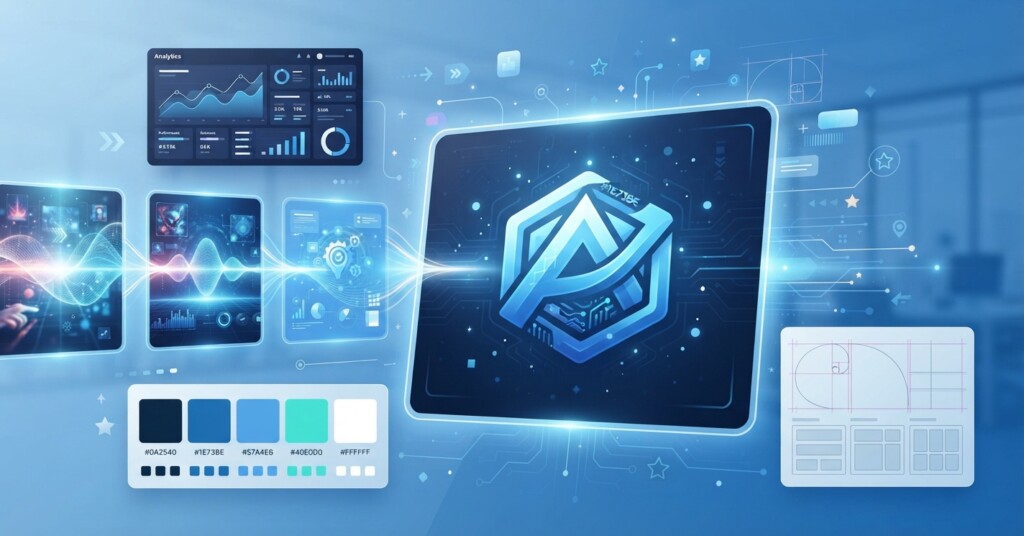
If you have ever waited two weeks for a designer to turn around five social media graphics, you already understand the problem AI-generated visual content is solving. Tools like Midjourney, DALL-E, and Canva AI let marketers produce dozens of on-brand images in the time it used to take to brief a single project. But speed without structure creates a new problem: inconsistent, off-brand, or legally risky creative flooding your channels. This article walks through how to actually use these tools well — choosing the right one for the job, building a repeatable workflow, and avoiding the mistakes that trip up teams moving fast.
What AI-Generated Visual Content Actually Means for Marketers
AI-generated visual content refers to images, graphics, and design assets created by AI models that interpret a text prompt or template and produce a finished (or near-finished) visual. This is different from AI-assisted design, where a human does most of the work and software offers suggestions. With generative tools, the model does the heavy lifting of composition, lighting, color, and style based on the instructions you give it. For marketers, this unlocks three practical benefits: faster turnaround on routine creative, lower cost per asset for high-volume needs like social posts and ad variations, and the ability to test more visual concepts before committing budget to photography or illustration. It does not eliminate the need for brand guidelines, creative direction, or a human reviewing the output — it shifts the skill marketers need from pixel-level design execution to prompt writing, curation, and quality control.
Choosing the Right Tool: Midjourney vs DALL-E vs Canva AI
Each tool has a different strength, and most marketing teams end up using more than one depending on the task. Midjourney tends to produce the most visually striking, artistic results, which makes it strong for hero images, campaign concept art, and anything where a distinctive look matters more than precise text or layout. DALL-E, built into ChatGPT and available via API, is easier to direct with conversational prompts and handles more literal requests well, which suits product mockups and illustrative concepts. Canva AI is the most practical for day-to-day marketing production because it combines generative image tools with templates, brand kits, and layout controls, so the output is already close to a usable, on-brand asset rather than a raw image you need to format separately.
| Tool | Best For | Limitation | Typical Use Case |
|---|---|---|---|
| Midjourney | High-impact, artistic visuals | Steeper learning curve for prompting; no native brand kit | Campaign hero art, concept exploration |
| DALL-E | Literal, descriptive image requests | Less stylistic range than Midjourney | Product mockups, blog illustrations |
| Canva AI | Fast, on-brand, ready-to-publish assets | Less creative flexibility for unique concepts | Social posts, ads, email graphics |
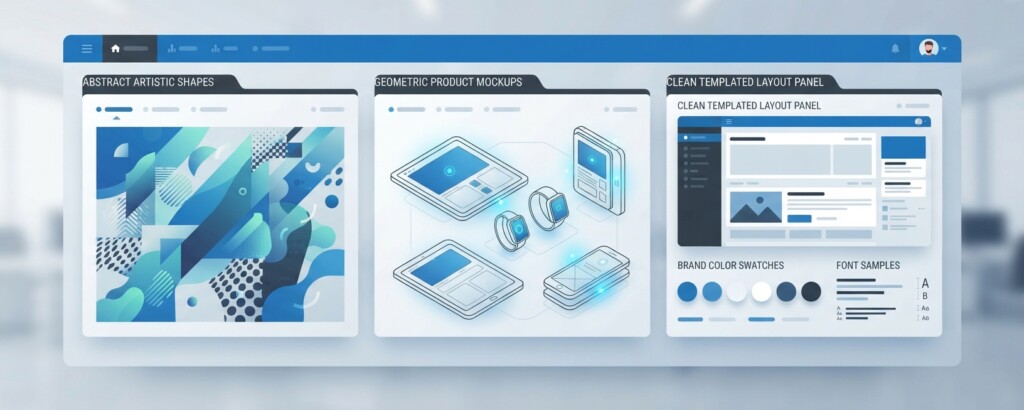
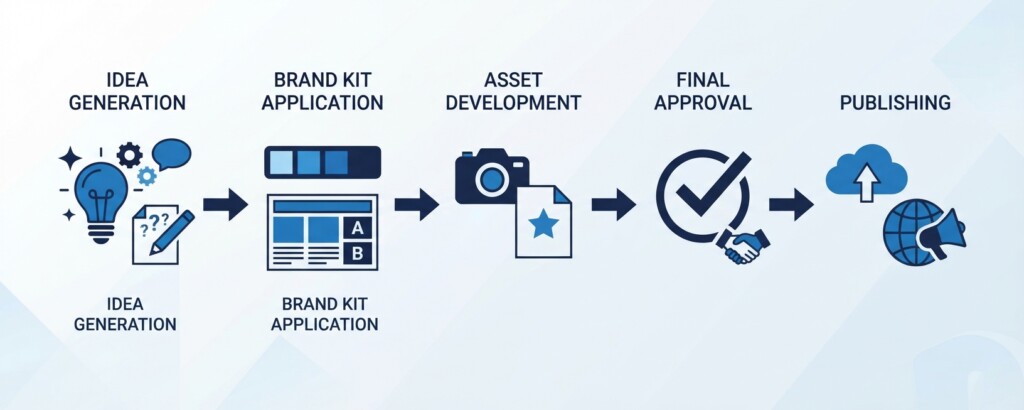
A good rule of thumb: use Midjourney or DALL-E to generate raw creative concepts, then bring the best results into Canva to apply your brand kit — logo, fonts, and color palette — before publishing.
Building a Workflow That Keeps AI Creative On-Brand
The biggest risk with AI-generated visual content isn’t quality — it’s drift. Without a process, different team members generate images with different styles, tones, and color treatments, and your brand starts looking inconsistent across channels within a few weeks. The fix is a documented workflow, not a one-off set of instructions. Here is a structure that works for most small to mid-sized marketing teams.
- Create a prompt library: document the phrases, style descriptors, and modifiers that consistently produce on-brand results (for example, ‘minimalist, soft natural light, muted pastel palette, no text overlay’) so anyone generating images starts from the same baseline.
- Set up brand kits in Canva with your exact logo files, approved fonts, and hex codes so every AI-generated base image gets the same finishing treatment before it goes out.
- Designate a single reviewer or small approval group for new visual concepts, especially anything customer-facing, so style decisions don’t get made ad hoc by whoever is fastest with a prompt.
- Batch-generate variations for testing — produce 8 to 12 versions of a concept at once rather than one-off images, then select and refine the strongest two or three.
- Store approved prompts and final assets in a shared library so successful styles can be reused and refined rather than reinvented each time.
A content studio running paid social for an ecommerce skincare brand used this exact structure to cut creative production time by roughly 60 percent. Instead of commissioning new photography for every campaign, they built a Midjourney prompt template capturing their signature look — soft studio lighting, clean backgrounds, specific color grading — to generate lifestyle and scene backgrounds. Every output then passed through Canva to composite authentic product packaging and apply brand kit elements before approval. The result was a steady stream of on-brand ad creative without a growing design backlog.
Keep a ‘rejected prompts’ log alongside your approved ones. Knowing what does not work saves just as much time as knowing what does, especially when onboarding new team members to AI image generation.
Common Pitfalls and Legal/Brand Risks
Speed is the whole appeal of these tools, but it is also where teams get into trouble. The most common mistakes are publishing AI images with visible artifacts (distorted hands, nonsensical text, warped logos), using AI-generated people in ways that could be seen as deceptive, and assuming generated images are automatically protected by copyright or safe to use commercially without checking platform rules. Unedited, purely AI-generated visuals generally cannot be copyrighted under current intellectual property law, and different tools enforce specific commercial rights and license tiers that change periodically, making regular legal reviews essential.
Always verify the commercial usage rights and plan terms of the specific AI tool you use before publishing assets in paid advertising or client-facing materials. Requirements vary widely by tier — for example, Midjourney mandates that companies grossing over $1 million annually subscribe to its Pro or Mega plan for commercial rights — and platforms may retain rights to train models on your prompts and outputs unless you opt out.
Real-World Use Cases Worth Trying First
If you are introducing AI-generated visual content to your team for the first time, start with lower-risk, high-volume applications rather than your flagship brand campaign. Good starting points include blog post header images, where a slightly imperfect visual has little downside; social media background graphics and quote cards, which rely more on layout than photorealism; A/B test variations for ad creative, where generating five visual directions costs almost nothing compared to commissioning five photoshoots; and internal or sales enablement materials, such as slide graphics, where speed matters more than pixel-perfect polish. Once your team is comfortable with prompting and review, you can expand into product visualization, seasonal campaign concepts, and even personalized creative variations for different audience segments — something that would be cost-prohibitive with traditional photography at scale.
A regional real estate marketing team, for instance, used Canva AI to generate neighborhood lifestyle imagery for listings in areas where professional photography wasn’t in the budget. The images were clearly branded as illustrative, paired with real listing photos, and used specifically for social promotion rather than the listing itself — an example of using AI visuals in a context where transparency and lower stakes made the risk acceptable.
The through-line across all of these examples is the same: AI-generated visual content works best as a production accelerator within a system you control, not as a replacement for brand judgment. Teams that treat it as a faster version of their existing creative process — with prompt libraries, brand kits, and review steps — see consistent, scalable results. Teams that treat it as a shortcut around creative process end up with visually inconsistent channels and, occasionally, licensing headaches.
Key Takeaways
- Match the tool to the task: Midjourney for distinctive concept art, DALL-E for literal descriptive images, Canva AI for fast, ready-to-publish branded assets.
- Build a prompt library and brand kit before scaling production, not after.
- Route all AI-generated visuals through a single review step to prevent style drift across channels.
- Check commercial licensing terms and copyright limitations for your specific tool and tier before using images in paid or client-facing work.
- Start with lower-risk formats like blog headers and social graphics before applying AI visuals to flagship campaigns.
Want to keep building your digital marketing skill set?
Explore more practical guides on content marketing, paid advertising, and AI tools built specifically for marketing practitioners.