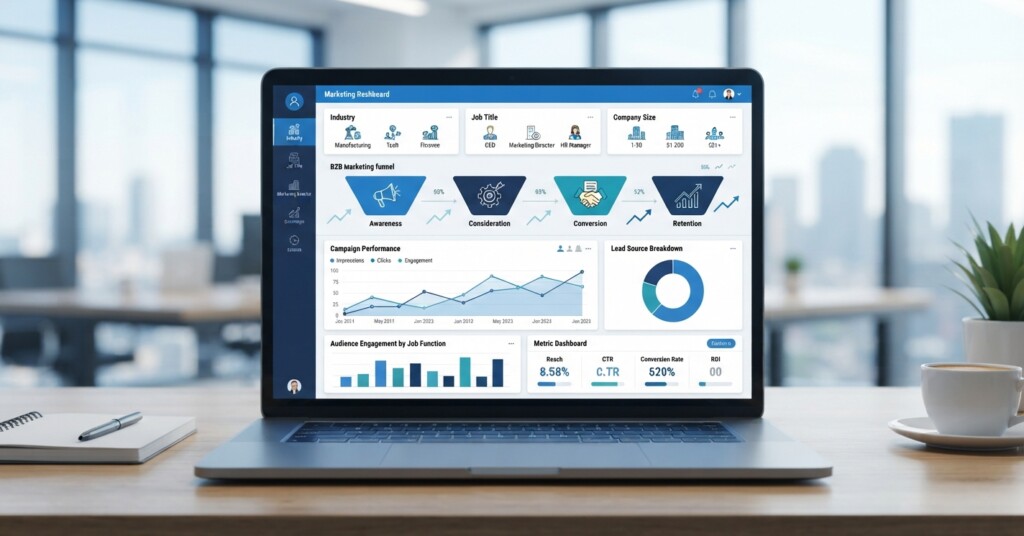
LinkedIn Ads for B2B lead generation have a reputation problem: everyone knows the platform reaches decision-makers, and everyone has a horror story about a campaign that drained thousands of dollars in a week. Both things are true. LinkedIn gives you access to job titles, company sizes, and industries you simply cannot target as precisely anywhere else, but the cost-per-click can run three to five times higher than Facebook or Google. This article walks through how to set up LinkedIn Ads campaigns that actually reach the right decision-makers while keeping your budget under control, including targeting strategy, ad formats, bidding tactics, and the testing process that separates profitable campaigns from expensive mistakes.
Why LinkedIn Ads Cost So Much (And Why That’s Not the Whole Story)
LinkedIn’s average cost-per-click sits anywhere between seven and eleven dollars, compared to one or two dollars on Facebook. New advertisers see that number and assume the platform is a bad deal. But cost-per-click is the wrong metric to panic over. What matters is cost-per-qualified-lead, and LinkedIn often wins there because the audience is already filtered by professional context — job title, seniority, industry, company size — before your ad even loads.
Think of it this way: a twelve-dollar click from a VP of Operations at a 500-person logistics company who fits your ideal customer profile is worth far more than a one-dollar click from someone who saw your ad on Facebook based on vague interest signals. The problem isn’t that LinkedIn is expensive. The problem is that most advertisers target too broadly, use the wrong ad format for their funnel stage, and never narrow their audience enough to justify the higher cost.
Building a Decision-Maker Audience That Isn’t Too Big or Too Small
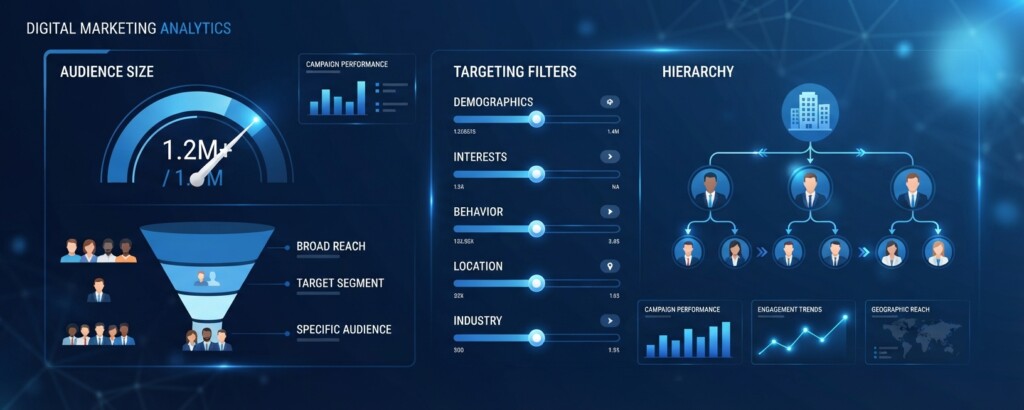
The single biggest budget-killer on LinkedIn is an audience that’s too broad. If your targeting matches 800,000 people, LinkedIn’s algorithm will spend your budget finding clicks, not qualified leads, and you’ll pay premium prices for low-intent traffic. The sweet spot for most B2B campaigns is an audience between 20,000 and 80,000 people — narrow enough to be relevant, wide enough for the algorithm to optimize delivery.
Start with firmographic filters before you touch job titles. Set company size and industry first, because these filters eliminate the most irrelevant accounts quickly. Then layer in job function and seniority rather than specific job titles. Job titles vary wildly between companies — a ‘Head of Growth’ at one company might be called ‘VP Marketing’ at another, doing the exact same job. Job function and seniority filters catch both.
- Set company size and industry filters first to establish the broad universe of accounts you want to reach
- Add job function (such as Marketing, IT, or Finance) instead of relying only on exact job titles
- Layer in seniority level (Director, VP, C-Suite) to filter for actual decision-making authority
- Use the Audience Expansion toggle cautiously — turn it off for cold campaigns, test it only once you have retargeting data
- Exclude your current customer list using Matched Audiences and exclude your own company name under company targeting so you do not pay to advertise to existing clients or employees
If you sell to a specific list of target accounts — a common approach in account-based marketing — upload that list directly using Matched Audiences and build a Company List audience instead of guessing at firmographic filters. This is often the single most efficient targeting method for B2B, because you are only paying to reach people who work at companies you’ve already qualified as good fits.
Before launching any campaign, check your Forecasted Audience Size in Campaign Manager. While LinkedIn requires a platform minimum of only 300 members to launch, if cold prospecting shows under 15,000, delivery may struggle to pace consistently. If it’s over 300,000, go back and add another filter layer — you’re still too broad.
Choosing the Right Ad Format for Lead Generation
LinkedIn offers several ad formats, and picking the wrong one for your goal is another common way budget disappears without results. Sponsored Content (the standard feed ads) works well for top-of-funnel awareness and content promotion. Message Ads (formerly Sponsored InMail) land directly in someone’s inbox and can work for direct offers, but open rates have declined as more advertisers use them aggressively. Lead Gen Forms, which pair with Sponsored Content or Message Ads to pre-fill a contact form with the user’s LinkedIn profile data, consistently produce the lowest cost-per-lead because they remove the friction of leaving LinkedIn and typing information manually.
| Ad Format | Best Funnel Stage | Typical Cost Behavior | Watch Out For |
|---|---|---|---|
| Single Image Sponsored Content | Top of funnel awareness | Moderate CPC, scalable reach | Weak targeting leads to wasted impressions |
| Lead Gen Forms (Sponsored Content) | Mid funnel, direct lead capture | Lower cost-per-lead due to reduced friction | Form fatigue if offer isn’t compelling |
| Message Ads (Sponsored InMail) | Mid to bottom funnel, direct outreach | Charged per send upon delivery | Declining open rates from overuse |
| Document Ads | Top to mid funnel, gated content | Strong engagement for whitepapers or guides | Requires genuinely valuable content |
| Conversation Ads | Mid funnel, interactive engagement | Moderate cost per send, higher engagement time | Complex setup, needs clear call paths |
A practical approach for most B2B lead generation campaigns is to run Lead Gen Forms with a specific, valuable offer — a benchmark report, a template, a short assessment — rather than a generic ‘contact us’ ad. Generic asks underperform because decision-makers on LinkedIn are usually in research mode, not ready-to-buy mode. Give them something useful first, and you earn permission to follow up.
Bidding Strategy and Budget Controls That Prevent Overspend
LinkedIn defaults new campaigns to Maximum Delivery bidding, which tells the algorithm to spend your full daily budget to get the most results. This sounds efficient, but it frequently means LinkedIn pays higher prices per click to hit volume targets. For most lead generation campaigns, switching to Manual Bidding or Cost Cap gives you control over the maximum you’ll pay per click or target per result, which protects your budget from spikes.
Start your manual bid at roughly the midpoint of LinkedIn’s suggested bid range, not the top. The suggested range is intentionally wide, and bidding at the top is rarely necessary for a well-targeted, narrow audience. Monitor delivery for the first 48 hours — if your ads aren’t getting impressions, raise the bid incrementally rather than jumping straight to the top of the range.
Daily budget caps matter just as much as bid caps. Remember that LinkedIn can spend up to 50 percent over your daily budget on high-demand days (while staying within monthly caps). A common mistake is setting a daily budget that’s too small for the audience size, which causes delivery to behave erratically, front-loading spend early in the day and then going quiet. A rough rule of thumb: your daily budget should be at least ten times your target cost-per-click, so the algorithm has enough room to find the best available impressions rather than grabbing the first ones available.
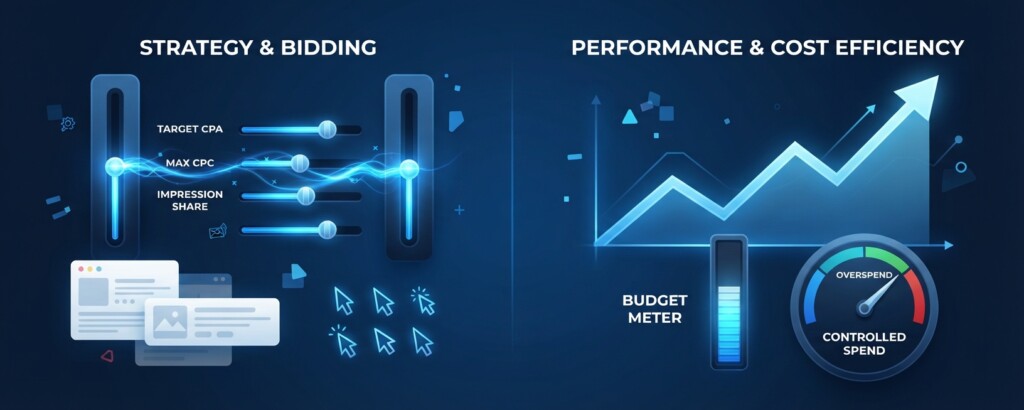
Never launch a new LinkedIn campaign with Maximum Delivery bidding and an unlimited or very high daily budget while you’re still testing creative and audience combinations. It’s one of the fastest ways to burn through a monthly budget in 48 hours with little to show for it. Always start with a capped budget and manual or cost-cap bidding during the testing phase.
Testing, Measuring, and Scaling What Works
Run at least two to three audience variations and two to three creative variations simultaneously, but keep your test matrix small enough that each combination gets meaningful spend. Splitting a $50 daily budget across ten ad variations means none of them gather enough data to tell you anything. A better approach is three ads per campaign, each getting real exposure, running for at least one to two weeks before judging performance.
Track cost-per-lead as your primary metric, but don’t stop there — pull leads into your CRM and track which campaigns produce leads that actually become sales conversations. LinkedIn leads sometimes look cheap on the platform’s dashboard but turn out to be low quality once your sales team reviews them, especially if your targeting drifted too broad or your offer attracted curiosity clicks rather than genuine buyer interest.
| Monthly ad spend | $3,000 |
| Average cost-per-lead (Lead Gen Form) | $75 |
| Estimated leads generated | 40 |
| Lead-to-opportunity conversion rate (typical B2B) | 15% |
| Estimated sales opportunities created | 6 |
Once you identify a winning audience and creative combination, scale gradually by increasing daily budget in increments of 20 to 30 percent rather than doubling it overnight. Large sudden increases can reset the algorithm’s learning phase and temporarily raise your costs again. Patience during scaling preserves the efficiency you worked to build during testing.
Set a calendar reminder to review campaign frequency metrics weekly. If your frequency climbs above 3 to 4 for the same audience within a two-week window, you’re likely seeing ad fatigue, and it’s time to refresh creative or expand the audience slightly.
Key Takeaways
- Narrow your cold audience to 20,000–80,000 people using firmographic filters first, then job function and seniority, rather than relying on exact job titles alone
- Lead Gen Forms attached to Sponsored Content typically produce the lowest cost-per-lead because they reduce friction for mobile and desktop users alike
- Use manual bidding or cost caps during testing phases instead of Maximum Delivery to avoid rapid, uncontrolled spend
- Size your daily budget to at least ten times your target cost-per-click, accounting for LinkedIn’s ability to spend up to 50 percent over daily budgets on high-volume days
- Track leads all the way to sales conversations in your CRM, not just cost-per-lead on the LinkedIn dashboard, to judge true campaign quality
- Scale winning campaigns gradually in 20–30 percent increments to avoid resetting the algorithm’s learning phase
LinkedIn Ads for B2B lead generation will never be the cheapest advertising channel available, but that’s not the right comparison to make. When you combine tight audience targeting, the right ad format for your funnel stage, disciplined bidding controls, and a consistent testing rhythm, LinkedIn becomes one of the most reliable ways to put your offer directly in front of the decision-makers who can actually buy from you — without watching your monthly budget disappear in a weekend.
Want more hands-on guides like this?
Explore more practical breakdowns of paid advertising, targeting strategy, and campaign optimization built for marketers who need answers they can act on today.