
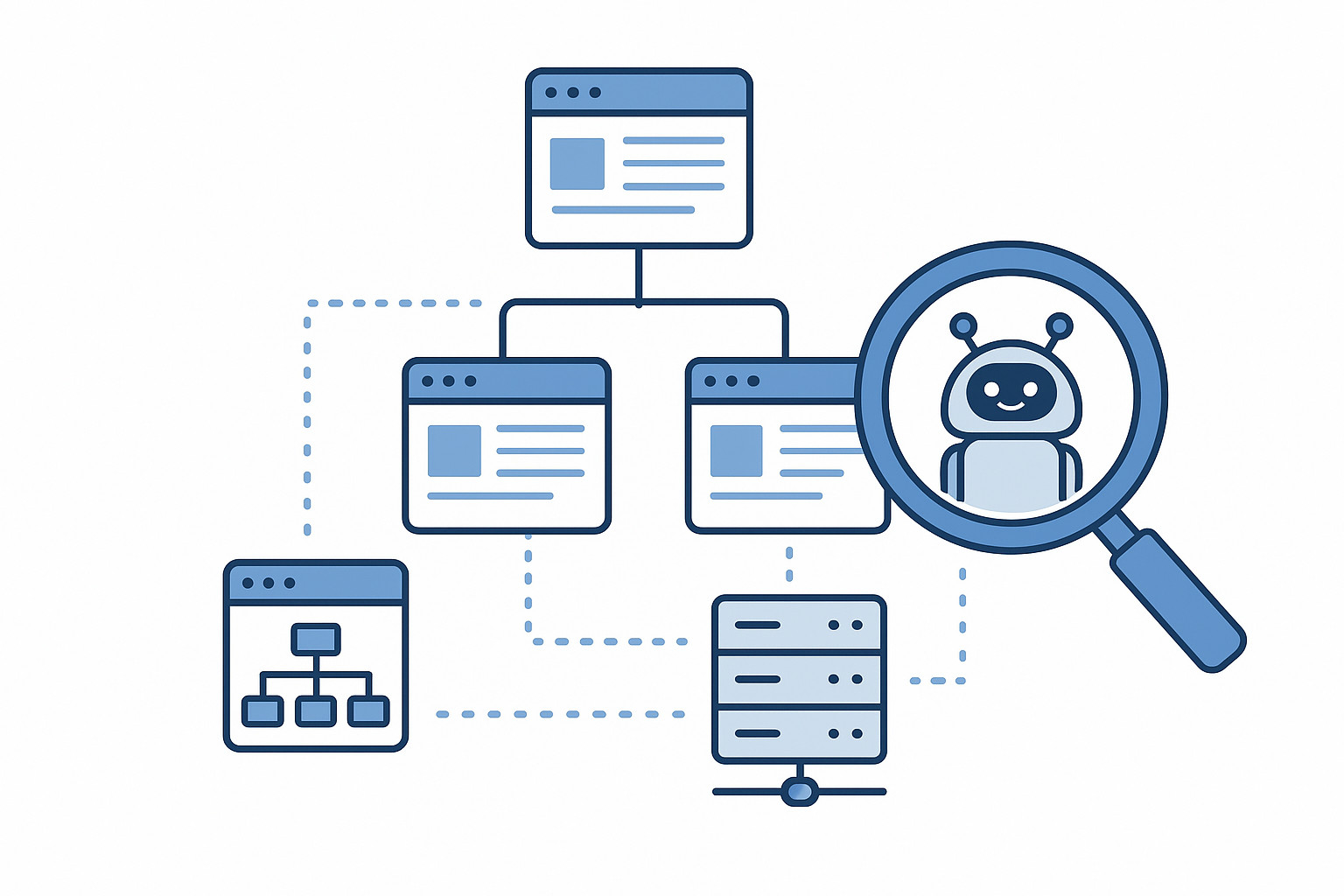
No matter how good your content is, it will not rank if search engines cannot crawl and index your website properly. Technical SEO focuses on removing barriers that prevent search engines from accessing, understanding, and storing your pages in their index.
This guide explains technical SEO in simple terms and shows you how to make your site search-engine friendly from the ground up.
What Is Technical SEO?
Technical SEO refers to optimizing the infrastructure of your website so search engines can crawl, render, and index your pages efficiently. Unlike on-page SEO, which focuses on content, technical SEO deals with how your site works behind the scenes.
The main goals of technical SEO are:
- Make pages discoverable
- Ensure pages load quickly
- Help search engines understand site structure
- Prevent duplicate or low-quality indexing
How Search Engines Crawl and Index Websites
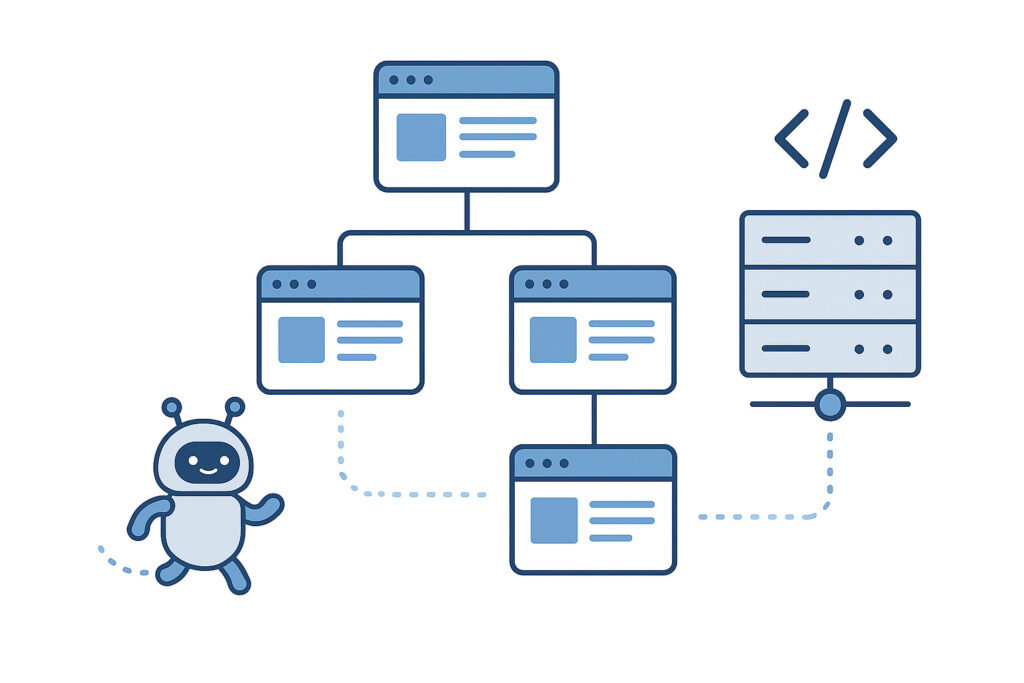
Before diving into optimization, it helps to understand the process:
- Crawling
Search engine bots discover pages by following links and reading sitemaps. - Rendering
Bots process HTML, CSS, and JavaScript to understand page content. - Indexing
Pages are stored in the search engine’s database and become eligible to appear in search results.
Technical SEO ensures this process happens smoothly and without errors.
Why Crawlability and Indexability Matter
If a page:
- Cannot be crawled → it won’t be indexed
- Is blocked from indexing → it won’t rank
- Is slow or broken → it may be ignored
Strong technical SEO ensures your best pages are visible, accessible, and prioritised by search engines.
Key Technical SEO Elements You Must Get Right
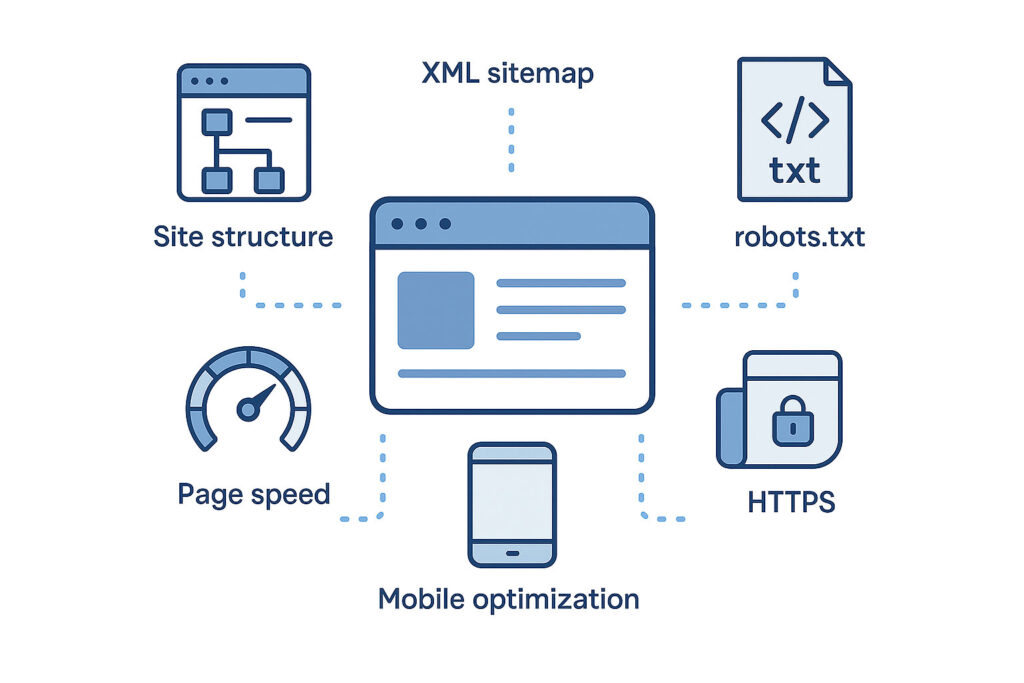
1. Website Structure and Internal Linking
A clear structure helps search engines understand page importance.
Best practices:
- Use a logical hierarchy (Home → Category → Content)
- Keep important pages within three clicks
- Avoid orphan pages
- Use consistent internal linking
2. XML Sitemap Optimization
An XML sitemap tells search engines which pages matter.
Checklist:
- Include only indexable URLs
- Exclude redirects, duplicates, and error pages
- Update automatically when content changes
- Submit sitemap in Google Search Console
3. Robots.txt Configuration
The robots.txt file controls crawling behaviour.
Use it to:
- Block unnecessary pages (admin, filters, staging)
- Allow access to important content
- Avoid blocking CSS and JavaScript files
A misconfigured robots.txt can accidentally block your entire site.
4. Indexing Control with Meta Tags
Indexing directives tell search engines what to do with pages.
Common tags:
index, follow– normal pagesnoindex, follow– thank-you pages, internal toolsnoindex, nofollow– rarely used
Use noindex carefully to prevent important pages from disappearing from search results.
5. Canonical Tags and Duplicate Content
Duplicate content confuses search engines.
Canonical tags:
- Tell search engines which version is preferred
- Prevent ranking dilution
- Are essential for e-commerce and content-heavy sites
Every important page should have a self-referencing canonical.
6. Page Speed and Performance
Page speed affects both crawling efficiency and rankings.
Key optimisation areas:
- Compress images
- Minify CSS and JavaScript
- Enable browser caching
- Use fast hosting
- Reduce unnecessary scripts
Faster sites are crawled more often and perform better.
7. Mobile-Friendliness and Mobile-First Indexing
Search engines index the mobile version of your site first.
Ensure:
- Responsive design
- Readable text without zoom
- Mobile-friendly navigation
- No blocked mobile resources
8. HTTPS and Website Security
HTTPS is a ranking factor and trust signal.
Best practices:
- Use HTTPS across the entire site
- Redirect HTTP to HTTPS properly
- Avoid mixed content issues
- Keep SSL certificates updated
9. JavaScript SEO Considerations
Modern websites often rely on JavaScript.
To stay crawlable:
- Ensure important content is server-side rendered or easily accessible
- Avoid hiding content behind user actions
- Test pages using URL inspection tools
Search engines can process JavaScript, but poorly implemented scripts cause indexing problems.
10. Handling Errors and Redirects
Technical errors waste crawl budget.
Key checks:
- Fix 404 and 5xx errors
- Use 301 redirects for permanent changes
- Avoid redirect chains
- Remove broken internal links
Technical SEO Checklist for Crawlability and Indexability
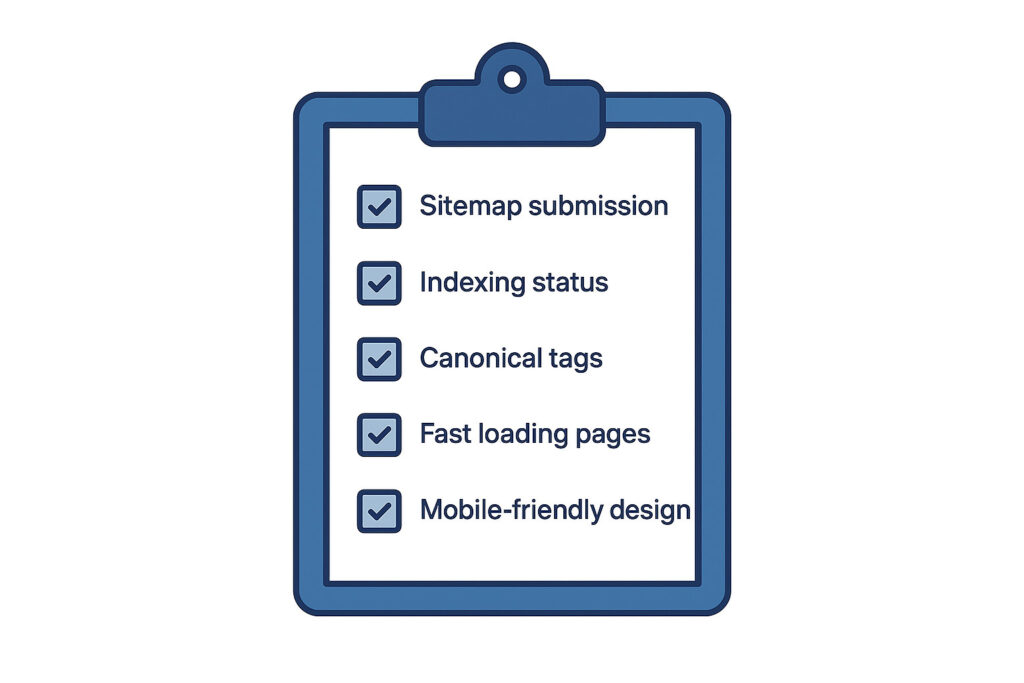
☐ XML sitemap submitted and clean
☐ Robots.txt properly configured
☐ Important pages indexable
☐ Duplicate content managed
☐ Canonical tags correctly set
☐ Fast loading times
☐ Mobile-friendly design
☐ HTTPS enabled
☐ Clean internal linking
☐ Errors and redirects under control
Common Technical SEO Mistakes to Avoid
- Blocking important pages with robots.txt
- Using
noindexincorrectly - Ignoring mobile performance
- Letting duplicate URLs get indexed
- Slow page speed
- Broken internal links
- Unmanaged JavaScript rendering
How Technical SEO Supports Long-Term Growth
Technical SEO creates a strong foundation for all other SEO efforts:
- Content ranks faster
- Crawling becomes more efficient
- Indexation stays clean
- Algorithm updates have less impact
It is not a one-time task but an ongoing maintenance process.
Final Thoughts
Technical SEO may feel complex, but its purpose is simple: make your website easy for search engines to access and understand.
When your site is crawlable and indexable:
- Your content has a fair chance to rank
- Your SEO efforts compound over time
- Your site becomes more reliable and scalable
Mastering technical SEO puts you ahead of competitors who focus only on content and keywords.
Leave a Reply